 Hero Costume
 AI Video Face Swap & Character Transformation
Become a masked hero, a fantasy character or the star of a transformation meme. Add your portrait and a source performance, then direct the costume and character with Kie Seedance 2.5. Import a template with its paired prompt or upload your own short video.
Video workspace
Upload one portrait and a 2–under-30-second MP4/MOV. Add an optional costume or character transformation prompt; credits follow input plus output duration and resolution.
Unable to quote these settings. Use a source video from 2 to under 30 seconds.
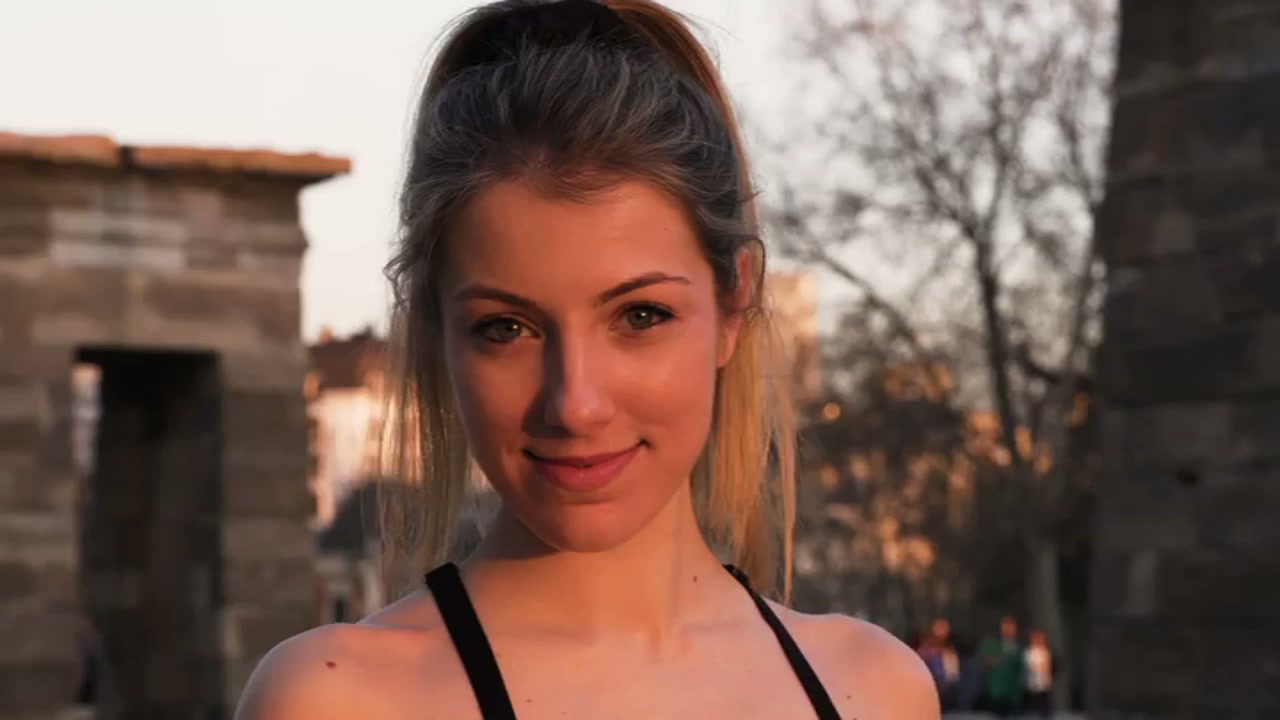
Pair the two adult portrait references
11/30View prompt
Prepare the authorized adult woman’s portrait video and a clear portrait image of the other authorized adult woman. Use the image as the replacement-person reference and the video as the source performance, keeping the video within eight seconds. Load both files, then review facial resemblance, hair, clothing, body changes, and the retained source audio in the result.
Introduction
Direct a new hero performance
Use your portrait to recast a source performance. The prompt can describe an original hero costume, a fantasy character or a transformation meme.
Direct a new hero performance
Use your portrait to recast a source performance. The prompt can describe an original hero costume, a fantasy character or a transformation meme.
How to use
Make your hero transformation
- InputReference video 1
 Reference image 2STEP 1
Choose a template
Import its source video and paired prompt, or upload a 2 to under 30 second clip.
- Example settingsPixVerse Person Swap720p5s
 OutputSTEP 2
Upload your portrait
Add one clear adult portrait and describe the costume or character you want.
- Illustrative preview
 BeforeAfter
Use a reference portrait to change the person in an existing clip. Check identity and moving edges.
STEP 3Review the quote
Choose 480p, 720p or 1080p. The quote uses source and output duration; generating starts only when you submit.
- STEP 4
Save your video
Review completed work in your history, then save and download the MP4.

Features
Bring a clear portrait
Use one clear adult portrait with readable facial features. Compare the face and costume throughout the final video.
Bring a clear portrait
Use one clear adult portrait with readable facial features. Compare the face and costume throughout the final video.
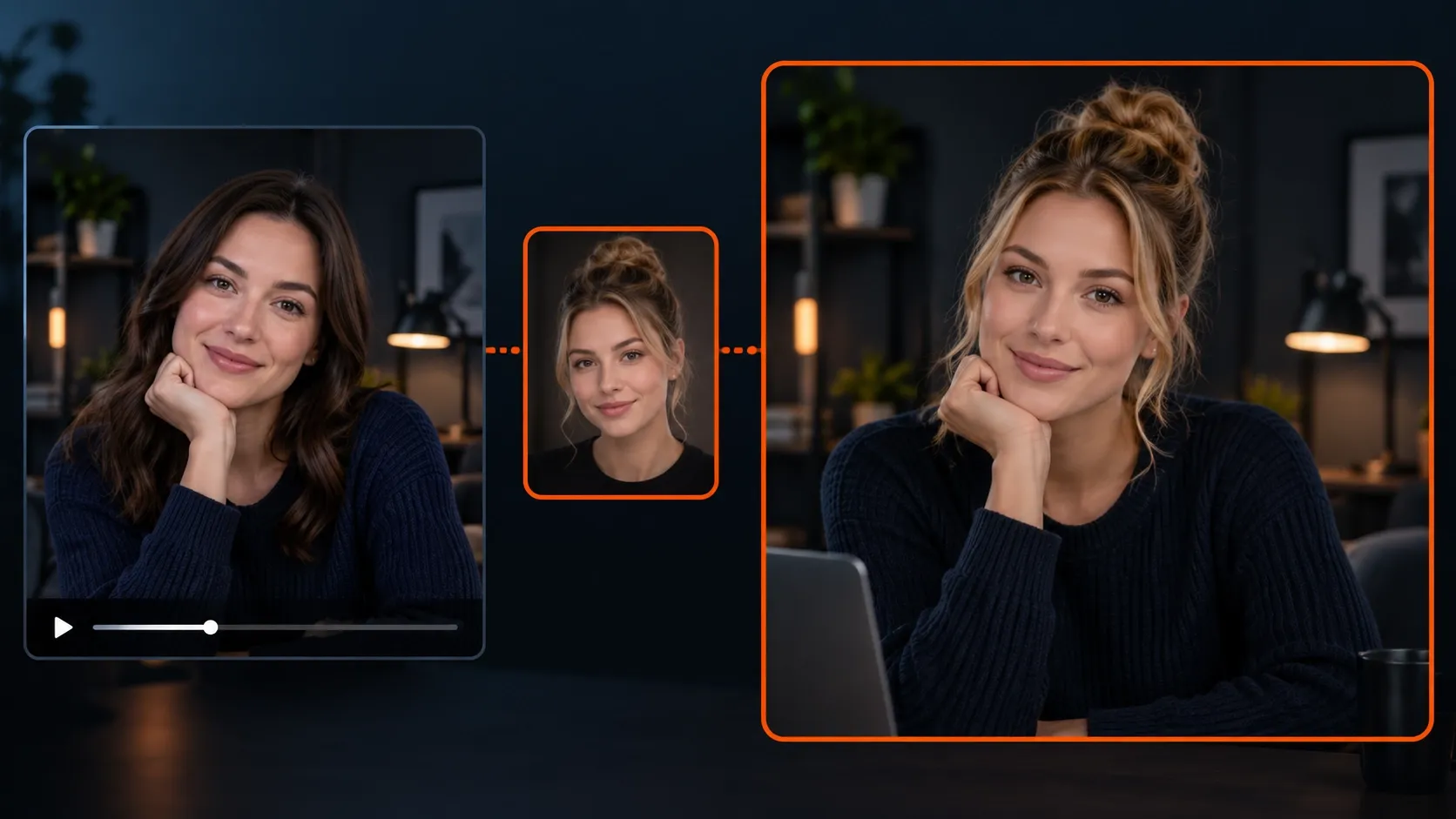
Choose a short performance
Upload MP4 or MOV from 2 to under 30 seconds. The source guides motion, framing and timing.
Choose a short performance
Upload MP4 or MOV from 2 to under 30 seconds. The source guides motion, framing and timing.
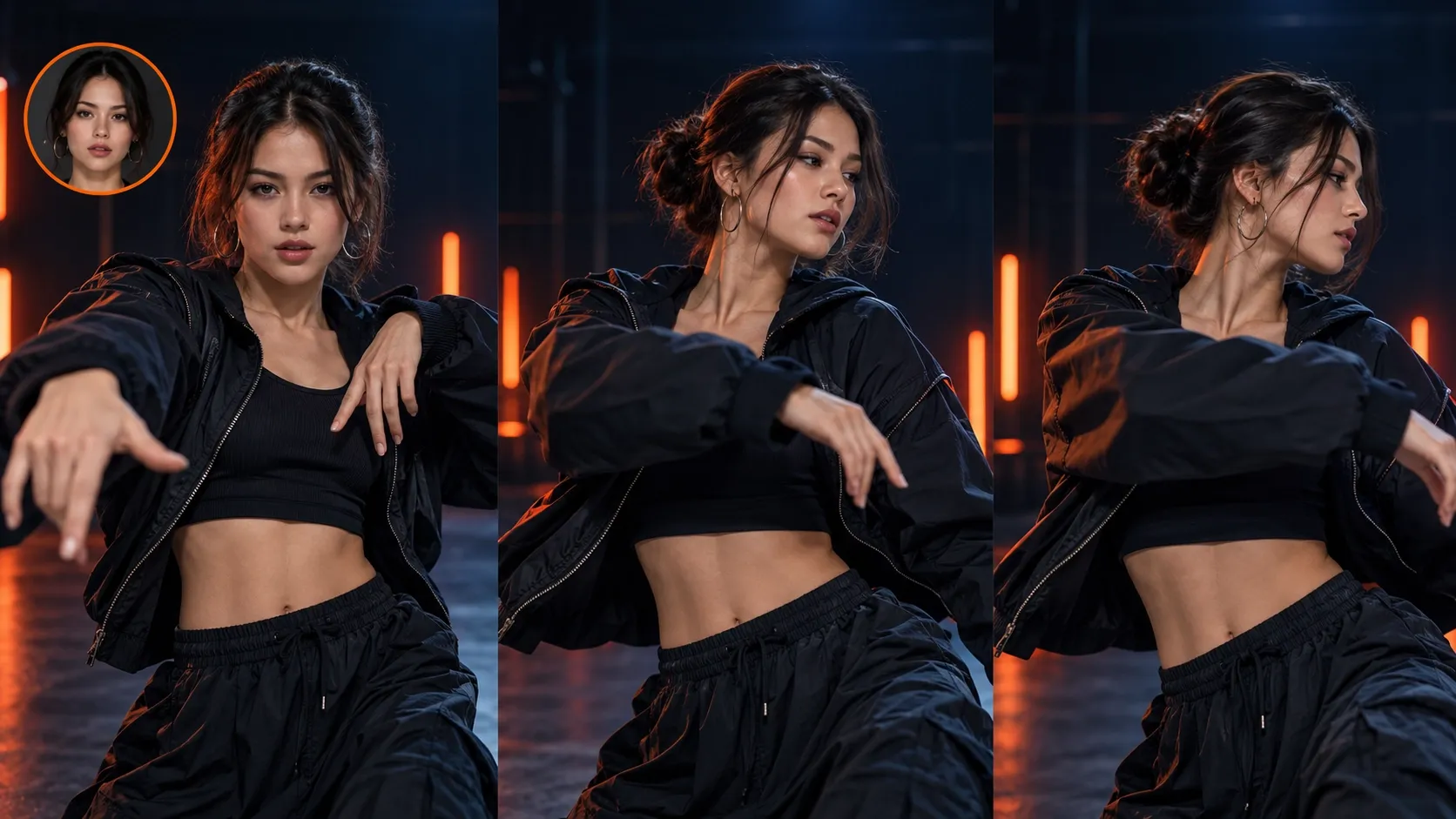
Choose the output and direction
Select 480p, 720p or 1080p and add an optional prompt. Template imports bring their source and paired prompt together.
Choose the output and direction
Select 480p, 720p or 1080p and add an optional prompt. Template imports bring their source and paired prompt together.
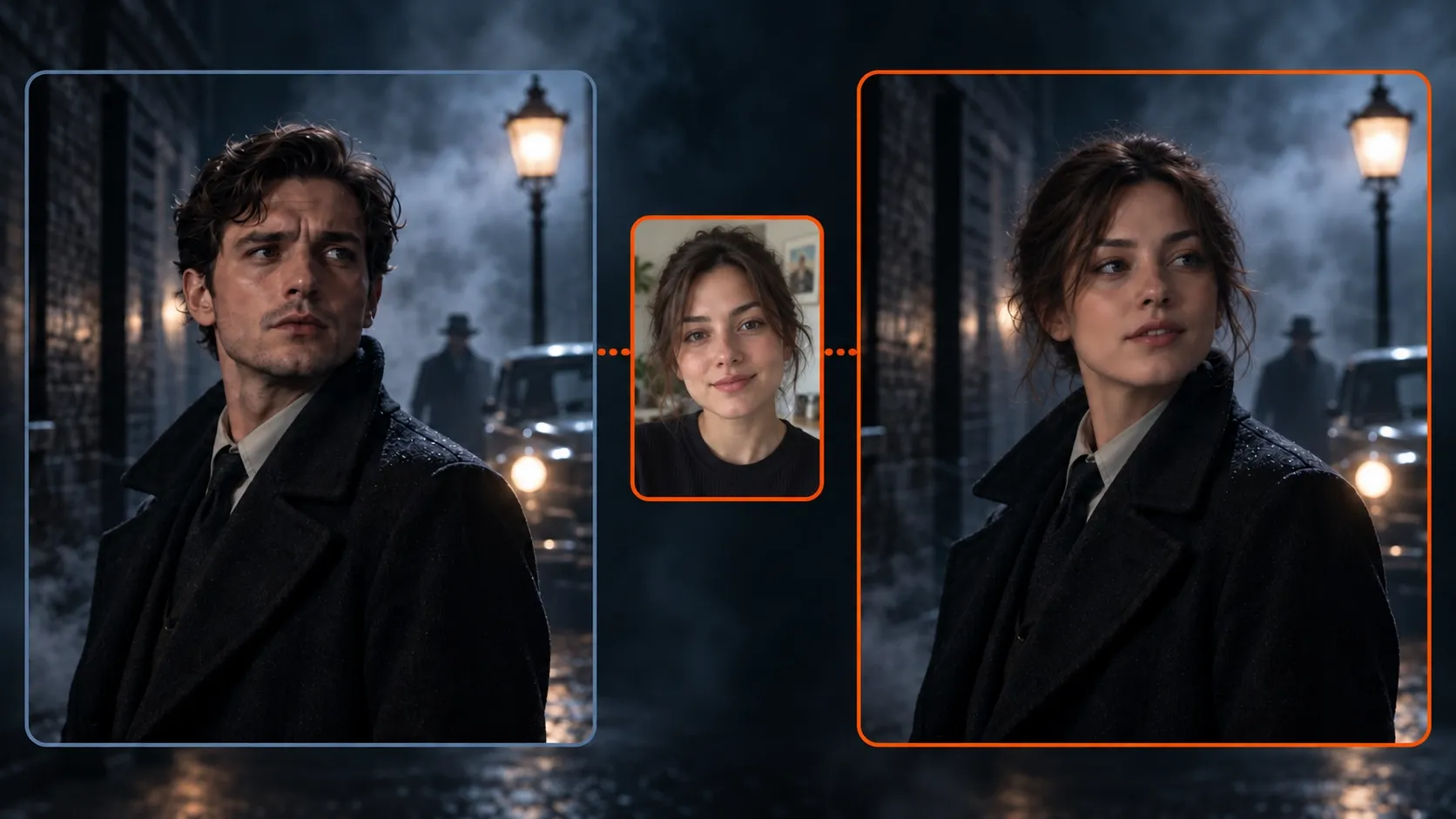
Review the whole transformation
Check facial resemblance, costume continuity, movement and the scene. A prompt guides the result but does not guarantee exact preservation.
Review the whole transformation
Check facial resemblance, costume continuity, movement and the scene. A prompt guides the result but does not guarantee exact preservation.
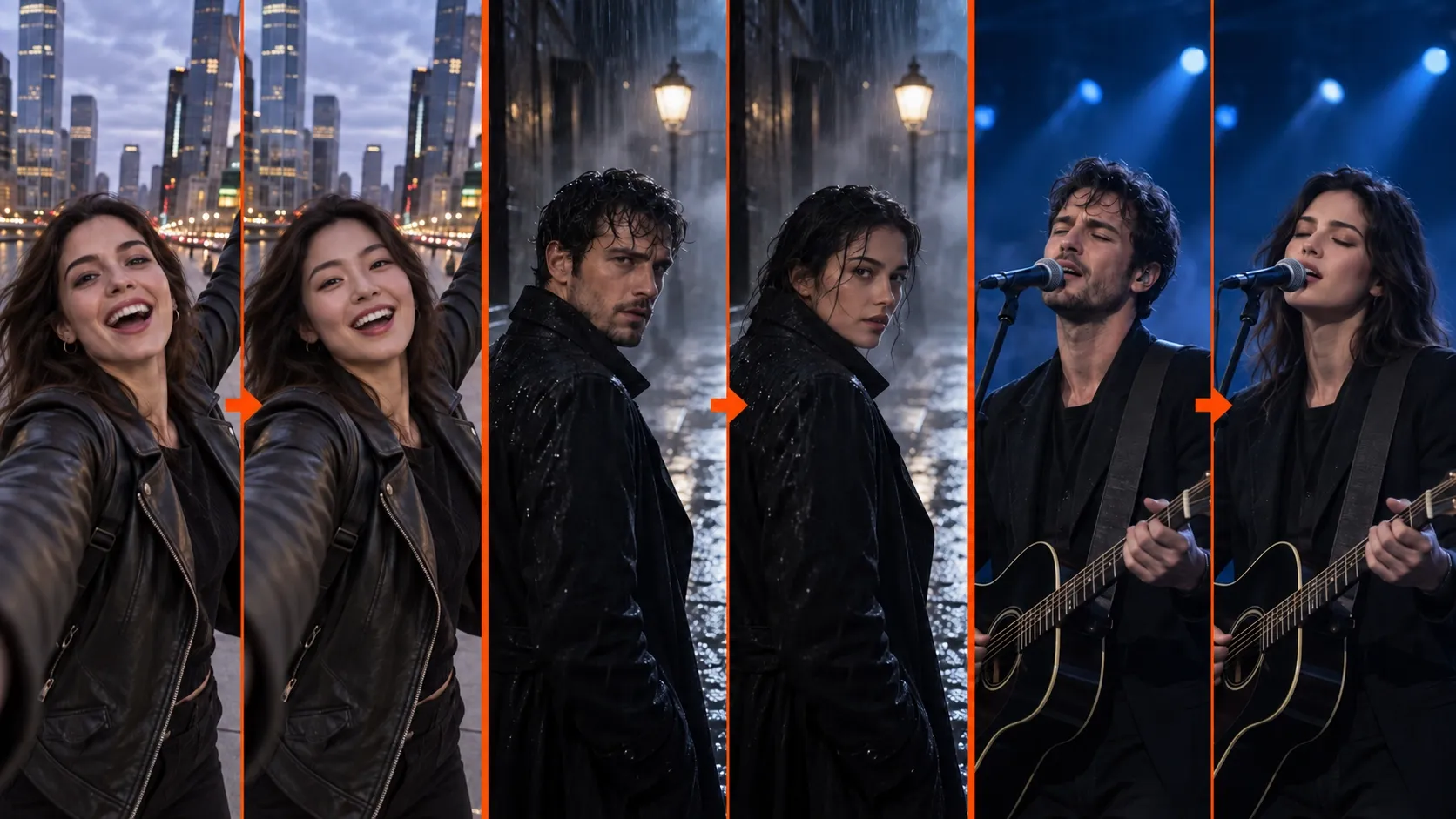
Save your finished character video
Review completed work in history, then save and download your MP4. Failed tasks release their reserved credits through the existing settlement flow.
Save your finished character video
Review completed work in history, then save and download your MP4. Failed tasks release their reserved credits through the existing settlement flow.

Example prompts
Armored city guardian
Replace the main performer with the adult in my portrait. Give the character a midnight-blue armored costume with warm gold accents. Keep the source performance, camera path and timing. Preserve recognizable facial features and coherent costume details through the movement.
Fantasy tavern hero
Recast the main performer as the adult from my portrait wearing an original forest-adventurer costume. Keep the tavern setting, source choreography and timing. Maintain a clear face and consistent outfit during turns.
User reviews
Hero Costume video creator feedback.
Hero Costume creator reviews

I made a full character PV for my game with MiniMax H3 in one afternoon. The menu UI stayed readable in every frame and the character never went off-model. That used to cost me a contractor and three weeks.

We tested every AI video generator on the market for stylized work. H3 is the only one that held our anime style across cuts. We now use it for pitch reels and animatics on every project.

I uploaded four product photos and got a listing video with music and a voiceover the same day. My click-through rate on the new listings is up 38%. H3 even got the label text on my packaging right.

I ship five vertical videos a week for three brands. MiniMax H3 gets me from brief to draft in under an hour, with sound already synced. My old workflow needed a videographer and two review rounds.

The editing side is what sold me. A client wanted the background of an interview changed — I typed one sentence into MiniMax H3 and the lighting on the subject matched the new scene automatically.

I previsualized my entire short film in MiniMax H3 before we shot a single frame. Rack focus, match cuts, even the title cards — it understands director language, not just keywords.
Plans and Credits
FAQ
Frequently asked questions
Which model makes the transformation?
Hero Costume uses Kie Seedance 2.5 in video edit mode for this workflow. The portrait and source video are separate references.
Can I use a written prompt?
Yes. Use the optional prompt for your costume, character, setting and preservation instructions. A template imports its paired prompt.
Which source lengths and resolutions work?
Upload a video from 2 to under 30 seconds. Outputs support 480p, 720p and 1080p; framing and duration follow the source.
How are credits quoted?
The quote covers both source and output video seconds at the selected resolution, using 1 credit per US cent. Review the final quote after the clip is loaded. Complete signature templates use their existing 300 credit rule.
CTA
Step into your next character
Choose the performance, add your portrait and direct the transformation.
Create a hero transformation